Alerts
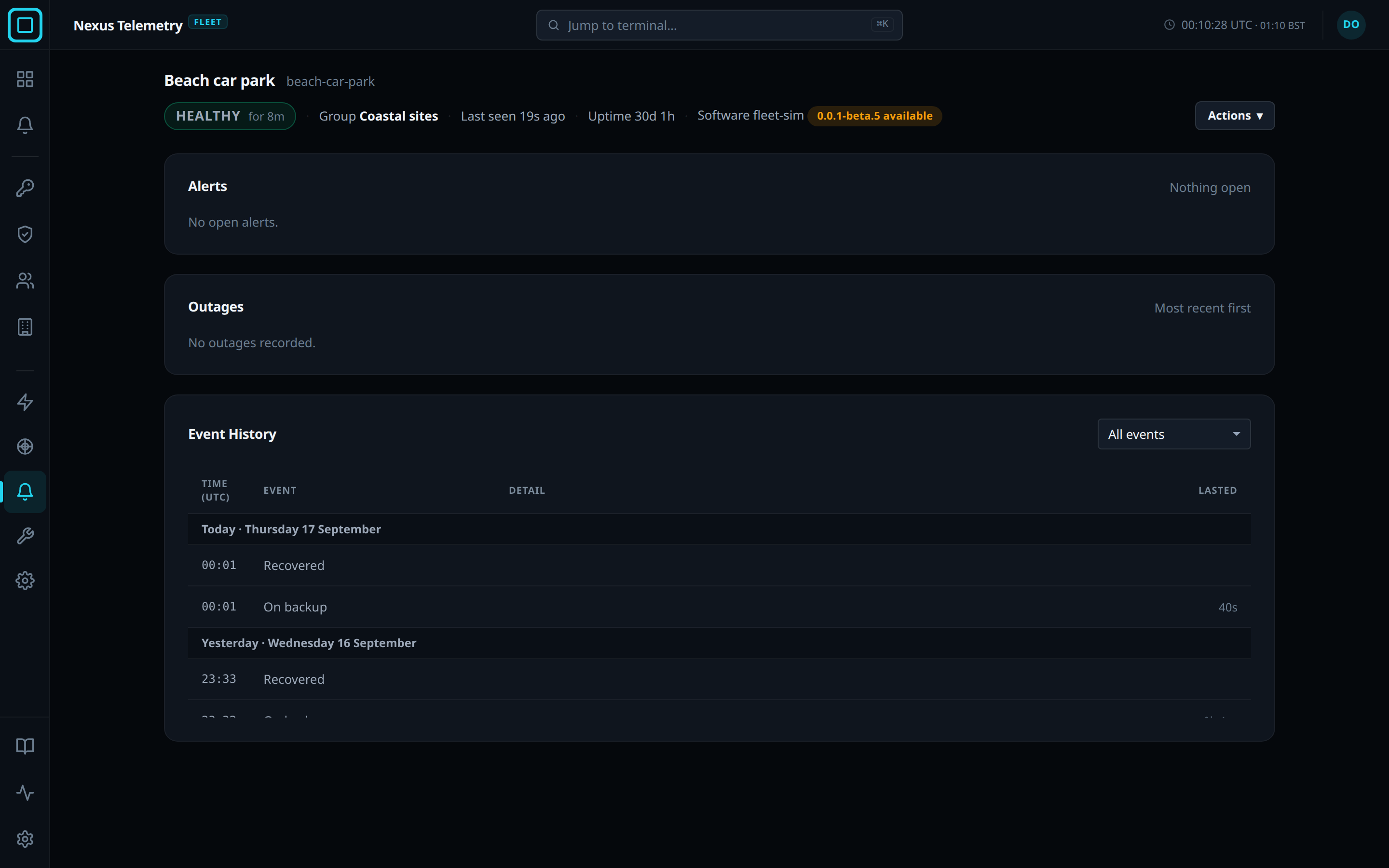
Alerts is one of the 5 views of a terminal’s page in Nexus Telemetry Fleet. It shows the terminal’s open alerts, its past outages, and its event history. An alert is a message the fleet server sends when a terminal changes state. Which alerts are sent, and to whom, is set for the whole organisation on the dashboard’s Alerts page.
Open alerts
An open alert is one whose cause has not cleared. Each shows Since, when it started. Details opens What it means, Clears when, Notified, who was sent the alert, and Today, how many times the alert has started today and the longest it lasted.
| Alert | Meaning | Clears when |
|---|---|---|
| Offline | The collector has sent nothing for 2 minutes | The collector reports again |
| Service restricted | Starlink is limiting the terminal’s service | The terminal reports normal service |
| On backup | The primary connection dropped and traffic is on the backup connection | Traffic is on the primary connection again |
Silence… stops the alert email for a chosen time. The webhook is still posted. Unsilence ends the silence early. Users with the Owner, Admin or Operator role can silence. See Maintenance windows for silences, and Users and roles for the roles.
Outages
The outage table lists the terminal’s 8 most recent outages, most recent first, with when it Started, how long it Lasted, and What happened. Counted as says whether the outage was Planned, inside a maintenance window, or Unplanned, which is how the Availability report counts it.
Event history
The event history lists the terminal’s last 100 events: its state changes and the changes users made to it. The filter shows All events, Connection events only, or Changes by people only.